Receipt Scanning App for Construction

Turn Paper Receipts Into Organized Job Costs

Use your phone and take a picture – done. Keeping track of receipts shouldn't slow down your projects. Whether you're buying materials at the supply house or picking up last-minute jobsite items, every expense needs to be recorded accurately.

Modern Construction Expense Management

Capture Expenses Before They're Lost

With Eano, simply snap a photo from your phone and let AI capture the important details automatically.

Organize Project Expenses

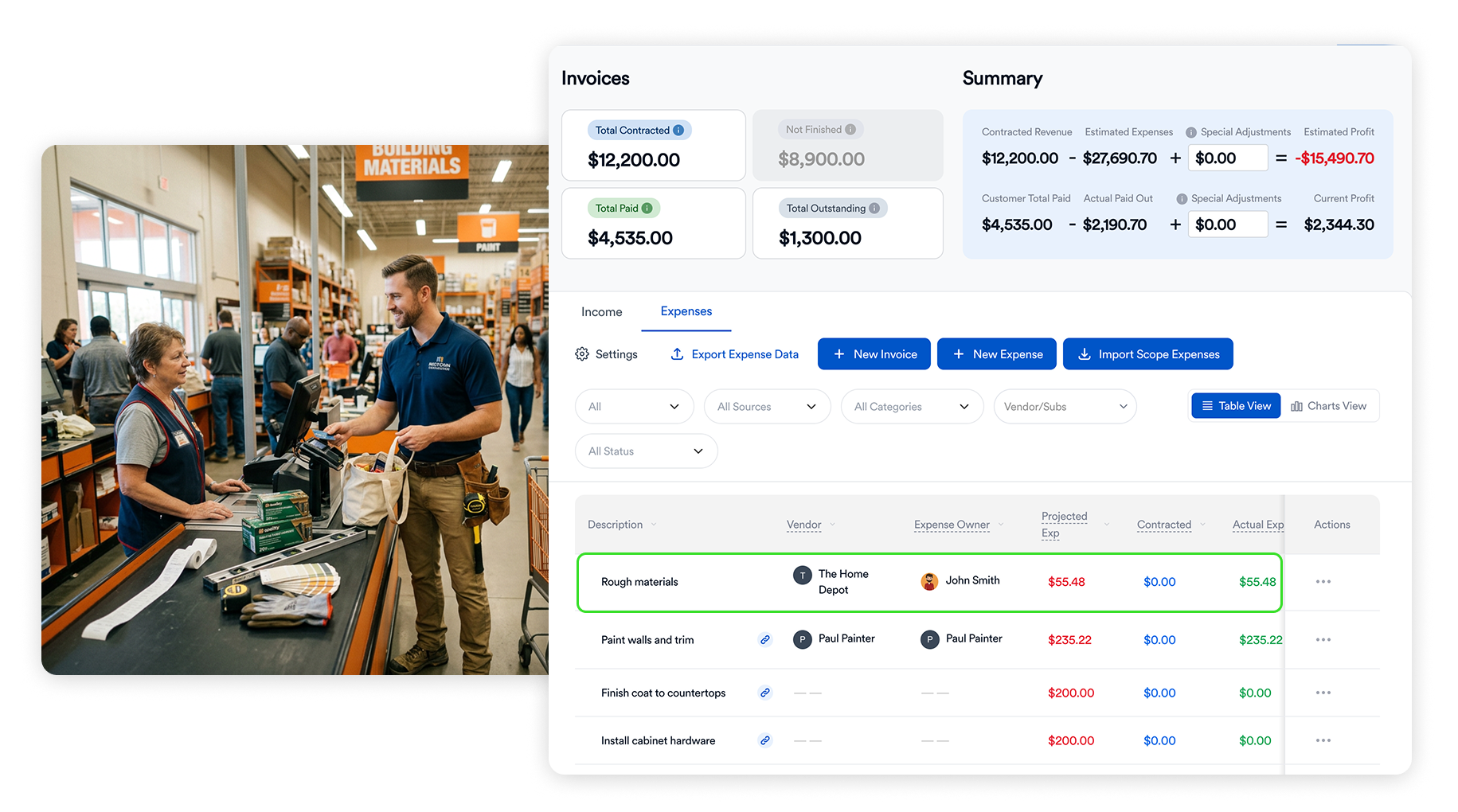
Assign expenses directly to projects so every material purchase, rental, or subcontractor expense is tracked where it belongs.

Keep Your Budget Up to Date

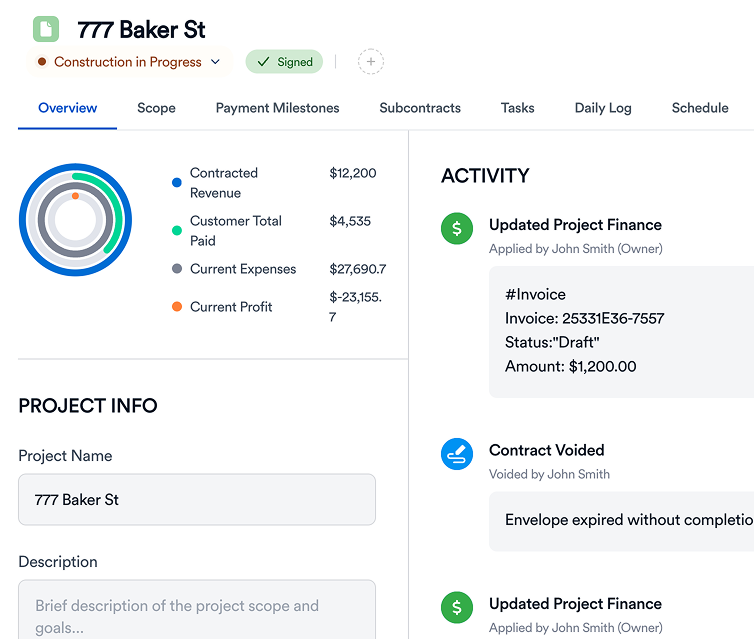
As expenses are scanned, Eano updates your project financials so you always have a current picture of your job costs.

Reduce Manual Data Entry

AI reads receipt information—including vendors, dates, totals, taxes, and line items—so your team spends less time typing and more time managing projects.
Keep Your Team Accountable

Whether it's a project manager, superintendent, or field crew member making purchases, everyone can quickly submit receipts from their mobile device. The office receives organized expense records without chasing paperwork or waiting until the end of the month.

checkmark

Mobile receipt submission

checkmark

Faster reimbursement workflows

checkmark

Better field-to-office communication

Smarter Way for Contractors Collect Expenses from Teams

Construction expenses happen every day, often across several active projects. Eano helps contractors capture those costs as they happen, keeping budgets accurate and financial reporting up to date.

By combining receipt scanning, project budgeting, job costing, and expense tracking in one platform, your team spends less time managing paperwork and more time building.

AI Receipt Scanning

Capture receipt details automatically

Project Assignment

Keep every expense tied to the correct job

Mobile Uploads

Expenses submitted faster from the field

Job Cost Tracking

Monitor actual costs against project budgets

Import your first project in just a few clicks — set up milestones, schedule tasks, and see how simple job management can be.

FAQ

We’ve collected answers to the questions our clients ask most often. We hope they help you find what you’re looking for faster. If anything’s still unclear — feel free to reach out!

Can I track progress against milestones?

How does Eano help avoid delays?

Can my crew update from the field?

Can I share project progress with clients?

Is there a global view for all my jobs?

Does the project management module connect with Eano’s other tools?

Contact us