
Still Using Excel for Estimates? Here’s What It’s Really Costing You
Spreadsheet Use From an Industry Standpoint
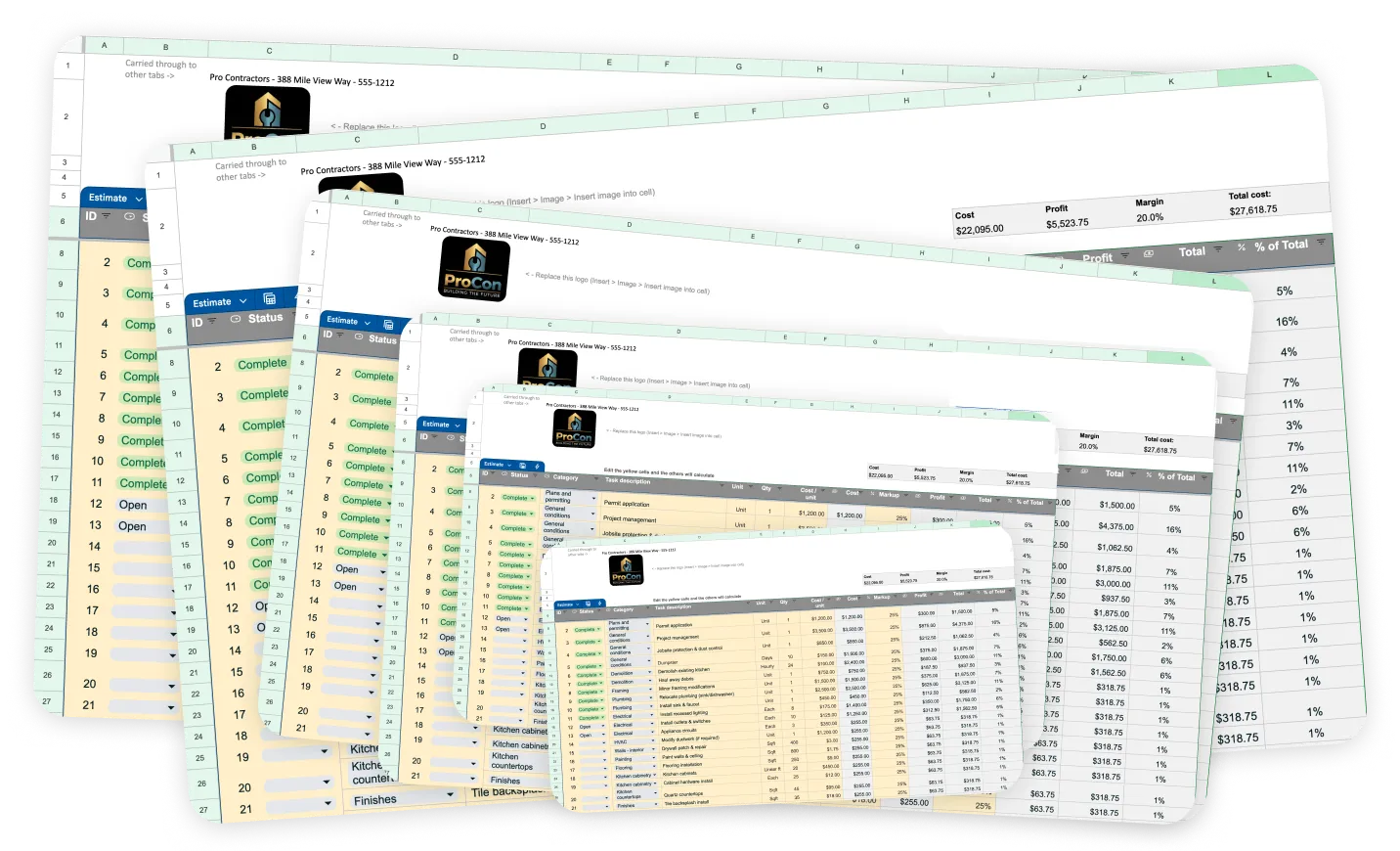
According to JBKnowledge’s annual construction tech reports that ~85–90% of contractors report using some form of software, but Excel/spreadsheets are still one of the most widely used tools—especially for estimating and job costing.
Data from Dodge Construction Network shows that contractors using integrated project and estimating software report significantly higher productivity and fewer errors compared to those relying on manual or spreadsheet-based processes.
The Hidden Costs of Excel

At first, Excel feels efficient. Over time, it starts costing you in ways that aren’t always obvious.
Time
Every estimate requires:
- Copying old sheets
- Updating line items
- Rechecking formulas
That adds up quickly, especially during busy seasons.
Errors
Manual input leads to:
- Missed line items
- Incorrect formulas
- Outdated pricing
Even small errors can wipe out profit on a job.
Inconsistency
Without a standardized system:
- Markups vary
- Line items get skipped
- Estimates look different every time
That makes it harder to scale your business.
Why Contractors Are Moving Away from Excel
The shift isn’t about abandoning spreadsheets—it’s about outgrowing them.
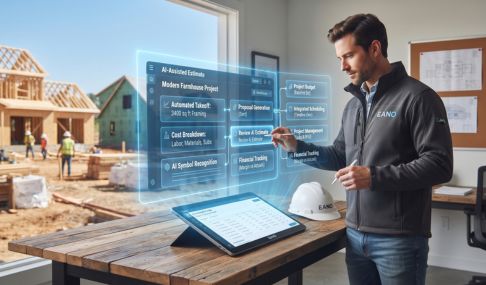
Modern estimating tools help:
- Standardize pricing
- Reuse templates automatically
- Generate clean, client-ready proposals
- Connect estimates to the rest of your workflow
Instead of rebuilding estimates, you’re refining a system.
When Excel Still Makes Sense
Excel isn’t useless.
It can still work if:
- You’re doing a low volume of jobs
- Your projects are simple
- You have a very tight, consistent process
But once complexity increases, the limitations show up fast.
The Real Question
It’s not “Does Excel work?”
It’s:
Is it helping you estimate faster, more accurately, and more consistently?
If the answer is no, it may be time to upgrade your process—not just your tool.
Check out the Remodel Estimating Software Guide for how to evaluate the best options.
Eano Pro offers next gen construction estimating software that is built for high performing construction teams. Get a demo and free trial for your team.