
Key Features for Remodeling Contractor Software
Robust Remodel Estimating
Remodeling estimates require detailed scope breakdowns and flexibility as projects evolve.
With Eano, you can:
- Generate AI-assisted estimates from walkthrough notes and scope descriptions
- Build fully line-itemized estimates across demo, framing, electrical, plumbing, drywall, finishes, and fixtures
- Manage subcontractor bids for each trade
- Track allowances, upgrades, and change orders
- Apply markup by cost category
- See projected profit before sending proposals
Create estimates that are detailed, flexible, and built for real-world remodeling conditions.
.png)
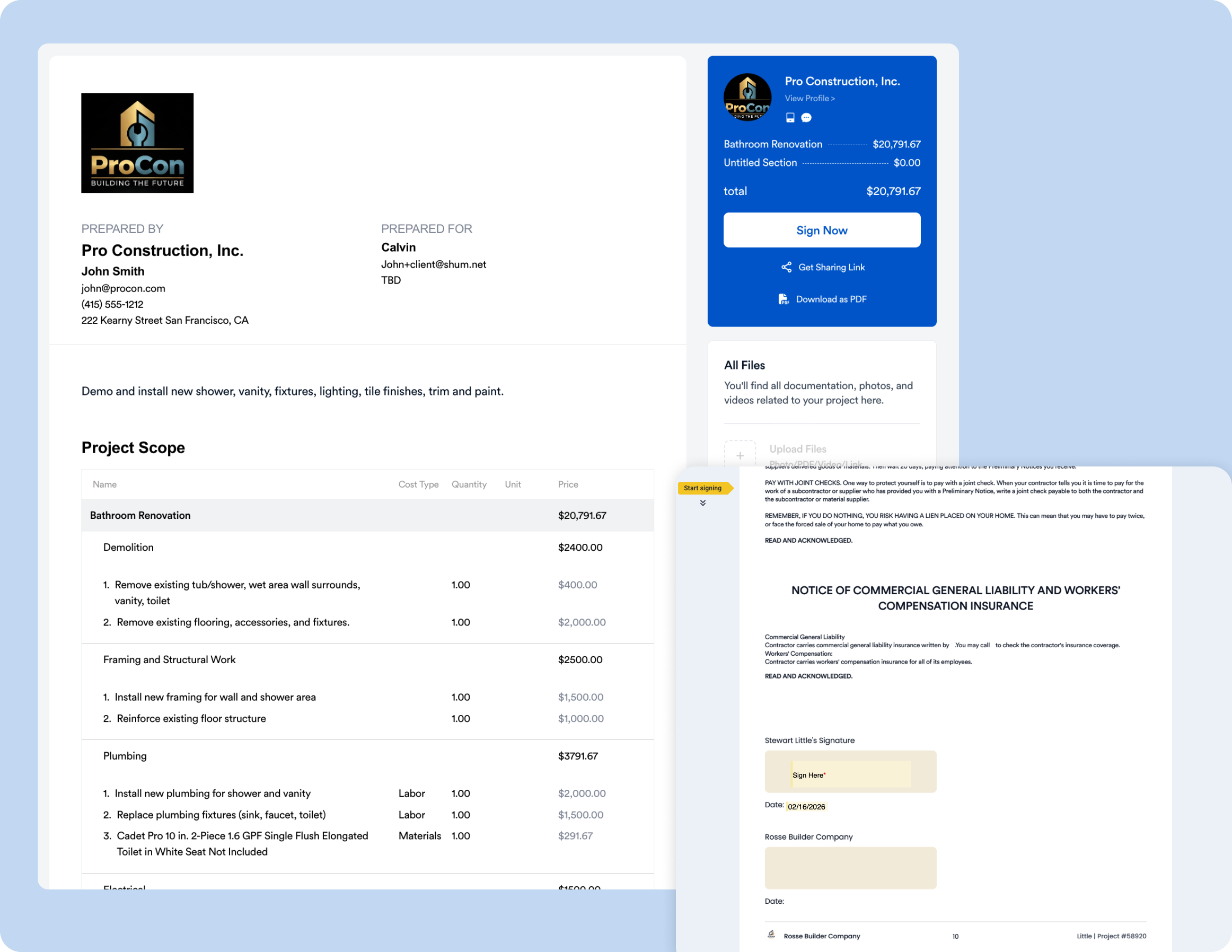
Professional Proposals with Contracts and eSign
Remodeling projects require clear communication upfront to avoid confusion later.
Eano Pro software for remodeling contractors allows you to:
- Convert estimates into polished, client-ready proposals
- Attach remodeling contracts with scope details, allowances, and payment schedules
- Include project descriptions, photos, and finish selections
- Enable secure eSign approvals
- Provide a client dashboard for review and signing
- Collect deposits to kick off the project
Deliver a professional remodeling experience that builds trust and sets clear expectations.
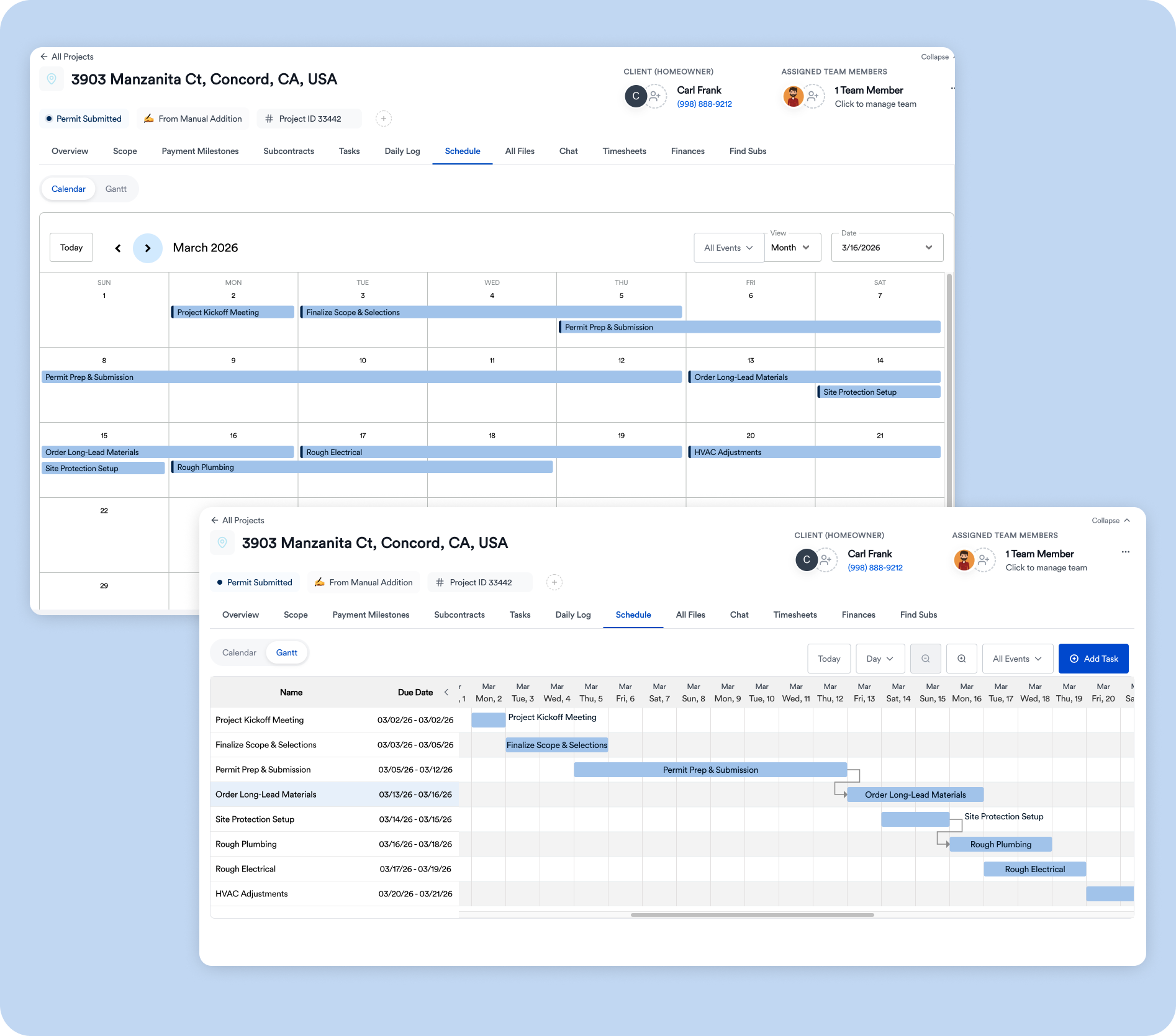
Remodeling Project Management and Scheduling
Once demolition begins, coordination across trades and timelines becomes critical.
Eano software for remodeling contractors helps you:
- Assign tasks across demo, framing, MEP trades, drywall, finishes, and final punch
- Build project schedules across multiple remodels
- Track job progress from initial demo through final walkthrough
- Maintain daily logs for site updates, inspections, and issues
- Manage change orders and evolving scope
Keep projects organized even as plans shift.
Schedule a Demo
Additional Remodeling Contractor Software Features
Beyond estimating, proposals, and project management, Eano includes additional tools to support your entire remodeling business.
Construction CRM
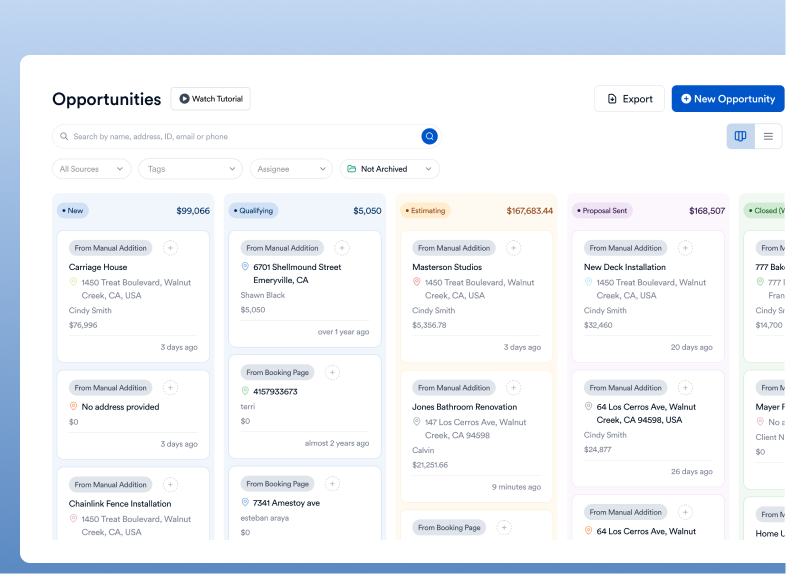
Track leads from inquiries and consultations through signed contracts. Manage your pipeline and follow-ups in one place.
Client Sync
Centralize communication, selections, documents, approvals, and change orders for each project.
Timesheets
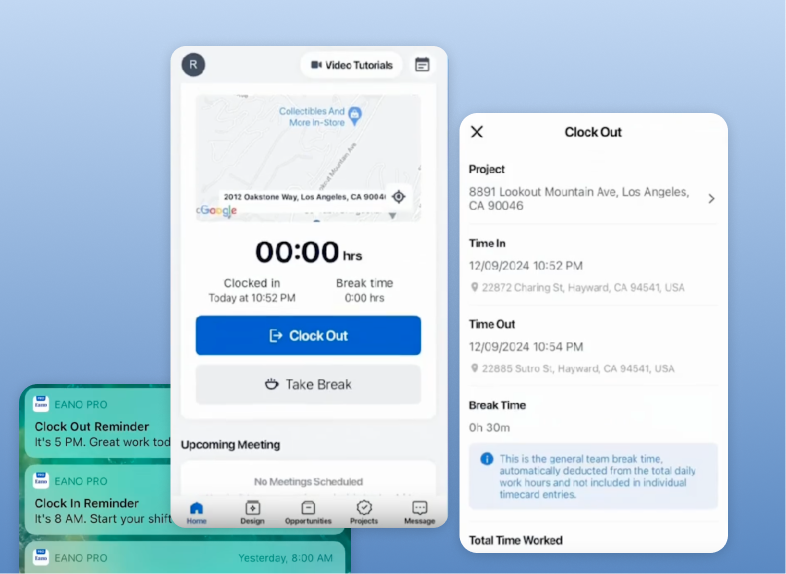
Log crew hours and subcontractor time to track labor across jobs.
Vendor Management
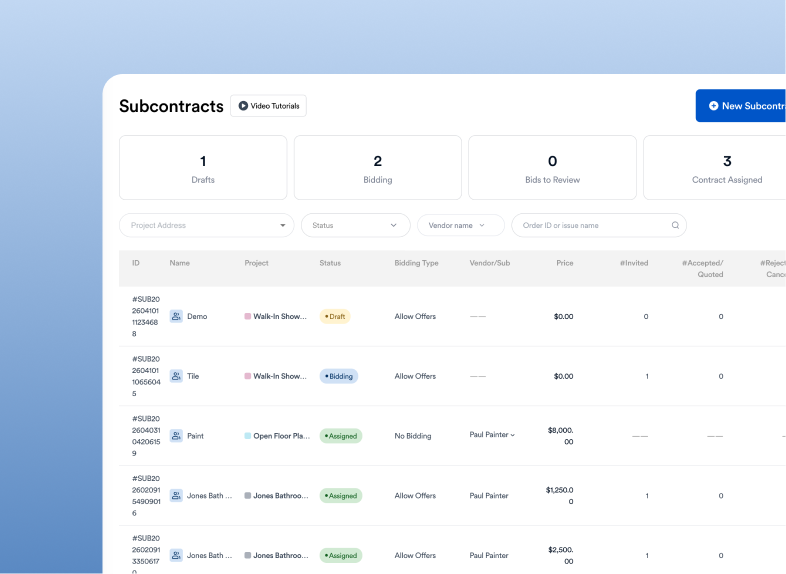
Organize supplier pricing for materials, fixtures, finishes, and equipment.
Work Orders
Manage small jobs, punch-list items, warranty work, and add-ons.
Log and Photo Sharing
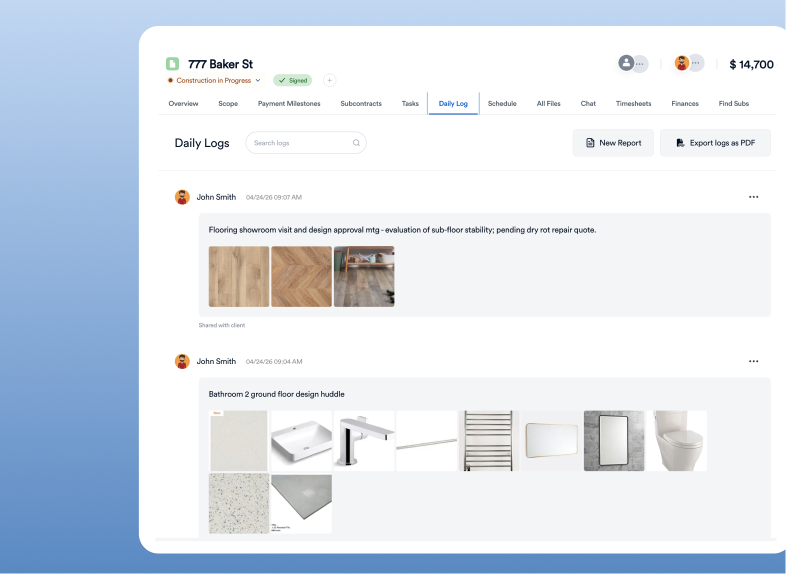
Capture progress photos throughout demo, rough-ins, and finishes for documentation and client updates.
Communication Tools
Keep your office team, field crews, and clients aligned with centralized messaging.
Client Dashboard
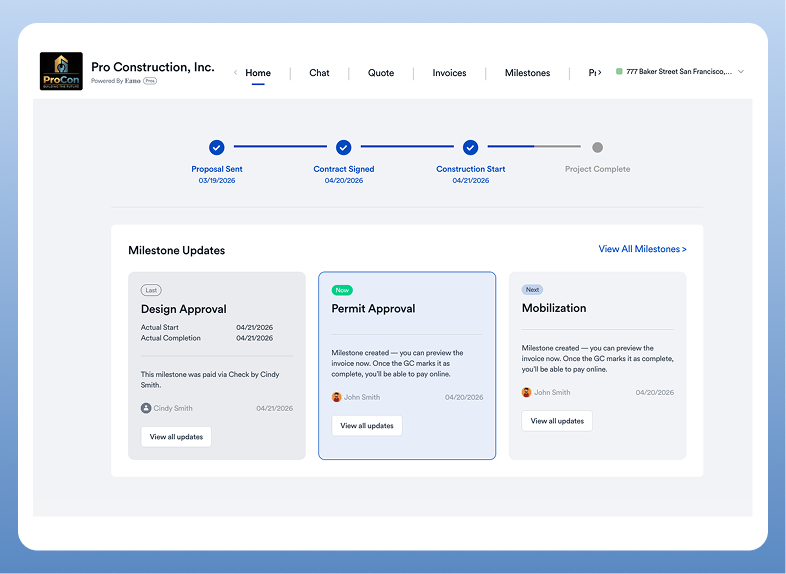
Provide homeowners with visibility into project progress, approvals, and payment schedules.